
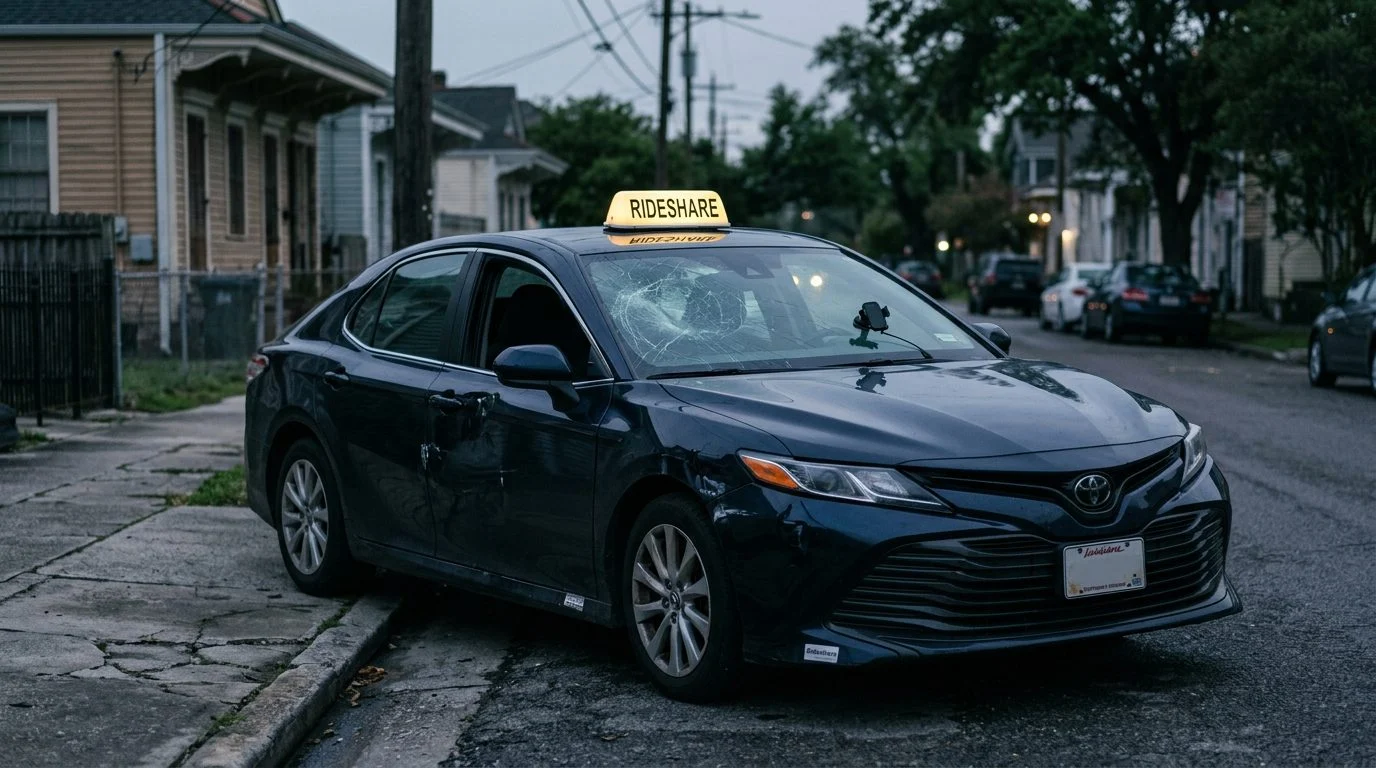
Rideshare Accidents | New Orleans
Rideshare Crash Evidence: Protect It Before It Disappears
A practical guide for riders, drivers and families in New Orleans, covering what to gather in the first hours after a crash and how to keep it safe.
By Przemek Lubecki · Published November 19, 2026
Rideshare accident evidence in New Orleans can disappear fast. Trip records, app screens, and dashcam files can be lost, overwritten, or changed if they aren’t saved early.
Here is the short answer: save the trip record, app screenshots, and original video as soon as you can, plus the police report number and witness details. Keep the originals, back them up, and write down what you remember while it’s fresh. This page covers preserving evidence, not the merits of any claim. For the wider process, read our rideshare accident guide.
Why Rideshare Crash Evidence Disappears Quickly
Rideshare evidence sits in several places, and each one can be lost in its own way. Early records matter most, because each day adds more chances for something to be lost.
The trip data lives in an app account. Phone storage fills up. Many dashcams record over older footage on a loop. Memories of timing and what people said also fade within days.
Louisiana law gives one useful tool. In a claims coverage investigation, a transportation network company and any insurer potentially providing coverage must cooperate to facilitate the exchange of relevant information with directly involved parties and any insurer of the transportation network company driver within ten business days of a request. That includes the times a driver logged on and off the company’s digital network in the twelve hours before and after the crash (La. R.S. 45:201.8). Your own saved copies still matter, because they show what you saw.
If you still have a trip screen, video, or police report from a rideshare crash in New Orleans, our team can talk through what to do next with you. Talk it through with our team — the first consultation is free, confidential, and carries no obligation.

Save the Trip Record in the Rideshare App
Save the trip record before the app history, account, or phone changes. Save the trip before you close the app, because you may not be able to rebuild the same screen later.
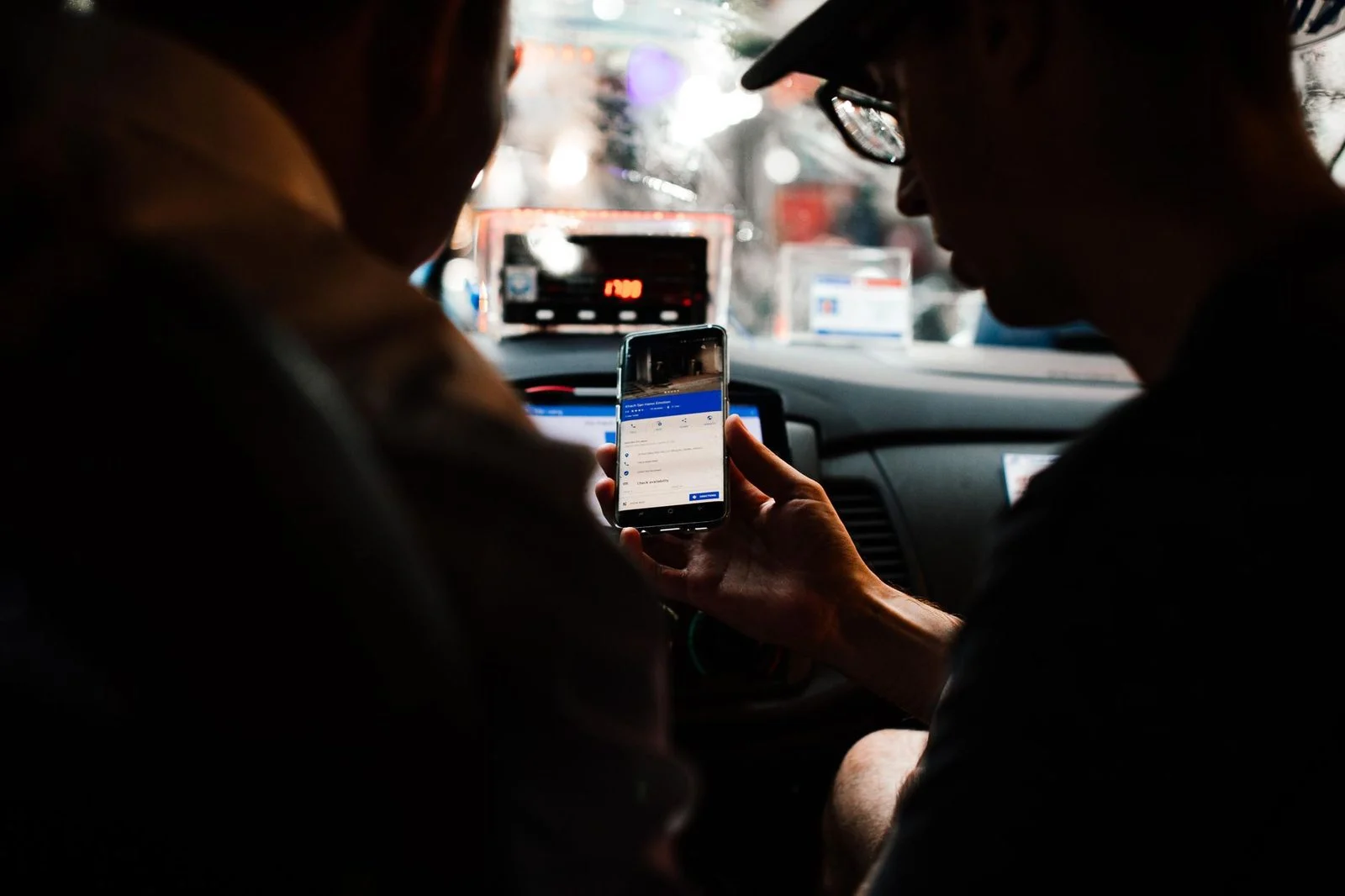
Write down the trip ID or reference number, the date, the pickup and drop-off addresses, and the times the app shows for pickup and arrival. Note the status shown at the moment of the crash, such as driver en route, waiting for passenger, or trip in progress.
The status can matter. Insurers may exclude any or all coverage afforded under the policy issued to an owner or operator of a personal vehicle for a loss while a driver is logged on during the pre-trip acceptance period or engaged in a prearranged ride (La. R.S. 45:201.7). Which stage the app shows can affect which insurance applies, so keep a clear record of it. Keep the fare receipt and any emailed trip summary, and save a copy outside the app.
Take App Screenshots and Screen Recordings Correctly
Screenshots should show the date, time, trip status, route, and names exactly as the app displays them. Capture the screen before the app updates or the trip history scrolls out of view.
Don’t crop out the status bar or timestamps. Take screenshots at the scene if you can do so safely. Use a screen recording when one image can’t capture scrolling messages or a moving route map.
Save the original image files without editing them. Back them up to cloud storage or an external drive. Name each file with its date so it’s easy to sort later.
Keep a written list that names each screenshot, what it shows, and the time you took it. If the phone’s clock looks wrong, write that down too.
Preserve Dashcam and Phone Video
Save the original dashcam file to a separate device as soon as possible. Waiting can cost you the clip, since many dashcams record over older footage.
Don’t edit, trim, or re-save the file in a way that changes it. Copy the original from the memory card, and keep the copy on a second device. A short clip showing lights, lane positions, or a sign is worth keeping, even if it seems minor.
Check that the camera’s date and time are right. A wrong clock makes it harder to match the video to the trip record. Phone video from the scene should stay in its original format, with date and location settings on.
Ask anyone else who recorded the scene to keep their footage. Write down their name and phone number.
Document the Police Report, Vehicles, and Witnesses
Get the police report or incident number at the scene, then request the full report. Note the officer’s name and the agency, if the officer gives them.
Louisiana law requires a driver involved in a crash resulting in injury to or death of any person or property damage in excess of five hundred dollars to give their name, address, and vehicle registration number to any person injured in the crash or to the driver or occupant of any vehicle or property damaged in it. The driver must also show a license on request, if one is available (La. R.S. 32:398).
Under La. R.S. 32:398, crash reports are confidential and are released only to the persons the statute lists, and only on request, within seven working days after the investigation is complete. Police reports are one of several records that can be useful when reviewing a crash, and the City of New Orleans police reports page offers information about requesting them.
Photograph the vehicles, the damage, the car positions, signals, signs, and road conditions. Record insurance details from every driver, including any rideshare coverage details the driver shows you. Write down witness names and phone numbers, with a short note of what each person said they saw.
Keep Medical Records, Expenses, and a Personal Journal
Keep every medical record, bill, and insurance explanation from the crash. That includes emergency care, follow-up visits, imaging, prescriptions, and therapy.
Save receipts for medical travel, medications, and other costs tied to your injuries. Keep them in one place, sorted by date.
Ask your employer for records of missed shifts, reduced hours, or work restrictions.
Start a daily journal with dates. Note pain, sleep, headaches, memory or focus problems, and activities you can no longer do. Symptoms can change over days and weeks, so keep the notes going.
Not sure what your next step is?
Talk it through with our team — the first consultation is free, confidential, and carries no obligation.
Protect Your Evidence and Avoid Common Mistakes
The most common mistakes are deleting data, editing files, and posting about the crash. Keep everything, even items that seem unimportant.
Don’t delete the app, trip history, texts, or photos. Don’t repair, sell, or trade in a damaged phone until its data is copied. Avoid posting about the crash, the driver, or your injuries on social media, since posts can be used to question a claim.
Keep one folder, digital or paper, with dates labeled, so nothing gets lost.
Louisiana generally gives two years from the day injury or damage is sustained to file a delictual (tort) action (La. Civ. Code art. 3493.1). The rules have exceptions, so your dates depend on the facts.
If you gave a recorded statement after an injury, Louisiana law says the person who took it must give you a true and complete copy within twenty days after a written demand (La. R.S. 13:3732). Talk with our team before you give a recorded statement to an insurer.
Talk With Przemek Lubecki About Your Rideshare Crash
If you were hurt in a New Orleans rideshare crash, talking early can help you decide what to keep and what comes next. Bring what you have, even if it’s only a screenshot or a report number.
Przemek Lubecki is the responsible lawyer for this page, and our office is in New Orleans. Our firm may associate or refer a case to other law firms when that is appropriate.
Quick Answers
What should I save first? Save the trip record and app screenshots first, then the original video and the police report number.
Upon request, it should be made available to those persons within seven working days after the investigation is complete.
If you still have a trip screen, a video, or a police report from a rideshare crash, our team can talk through your options. Request a free case evaluation or call 855-LUBECKI.
La consulta inicial es gratuita, confidencial y sin compromiso de continuar.
The first consultation is free, confidential, and comes with no obligation to continue.
Why early evidence matters
Digital records change
App data, trip logs and messages can be overwritten or removed over time, so it helps to capture them while they are still available.
Originals carry more weight
Keeping the original files, not only copies or cropped images, makes it easier to show when and how information was recorded.
Memories fade
Details about traffic, weather and what people said are easier to recall accurately when written down soon after the crash.
Be careful with social media
Avoid posting about the crash, your injuries or your activity online. Posts, photos and comments can be used to question your account, so keep your accounts private and talk with a lawyer before sharing anything about the crash.
What to save after a rideshare crash
Trip and app records
Save the trip details, timestamps, route and driver or rider information shown in the app. Take screenshots and keep the original app data where you can.
Video and photos
Keep original dashcam or phone video in its native format. Photograph vehicle damage, the roadway, traffic signs and your injuries as they appear at the scene.
Police report and contacts
Note the police report number and the responding agency. Collect names and phone numbers of witnesses and any other drivers involved.
Your own notes and records
Write down how the crash happened while it is fresh. Keep medical records, bills, receipts and records of missed work in one safe place.